





















What Are HTML5 Games? A Simple Guide for Kids and Parents
Introduction
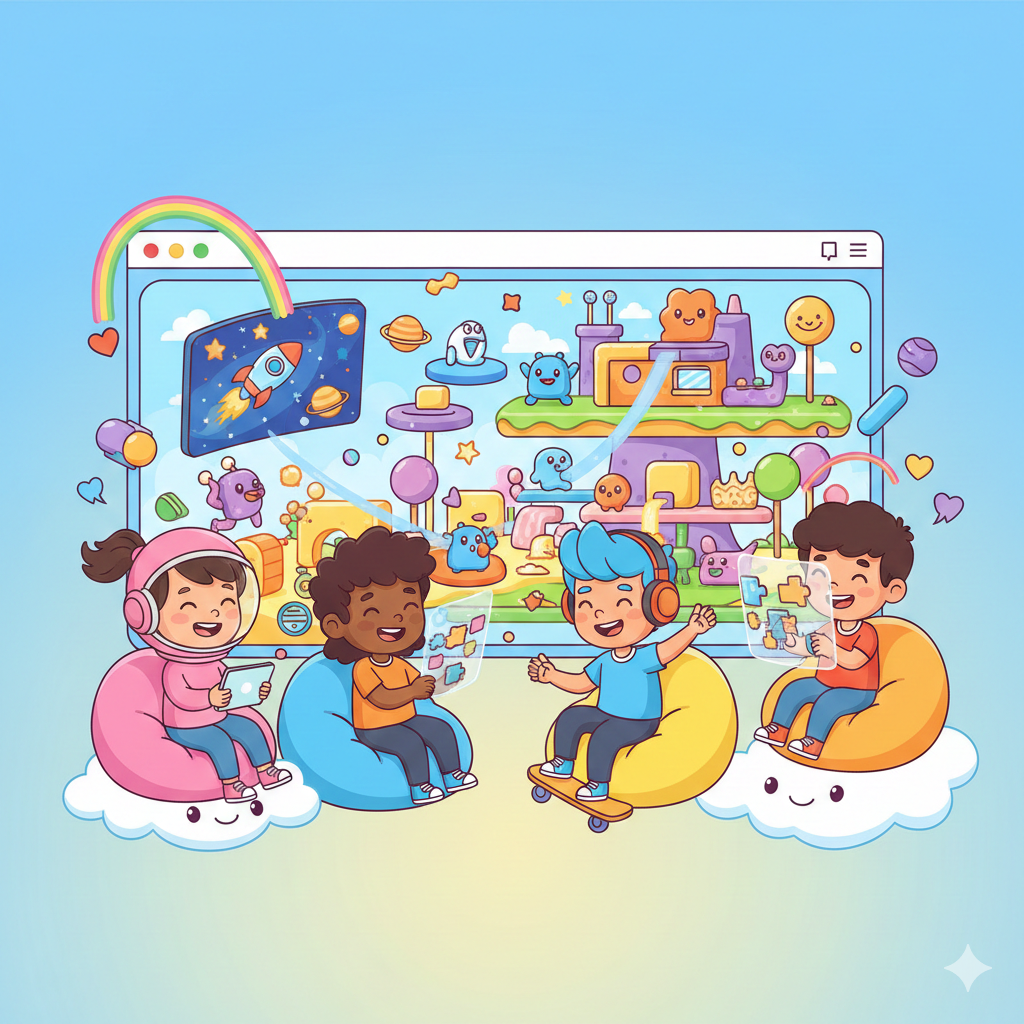
Online games have become a popular source of entertainment and learning for children. Many parents often hear the term HTML5 games but are not sure what it actually means. Understanding how these games work can help parents choose safer and better gaming options for their kids.
In this guide, we’ll explain what HTML5 games are, how they work, and why they are a great choice for kids and families.
What Are HTML5 Games?
HTML5 games are online games that run directly in a web browser. They do not require downloading or installing any software. These games are built using HTML5 technology, which allows them to work smoothly on most modern devices.
You can play HTML5 games on:
-
Mobile phones
-
Tablets
-
Laptops
-
Desktop computers
All you need is an internet connection and a web browser.
How Do HTML5 Games Work?
HTML5 games use standard web technologies such as:
-
HTML5
-
CSS
-
JavaScript
Because they run inside the browser, the game loads instantly when you open the page. There is no waiting time for downloads or updates, making them easy and convenient for kids.
This browser-based setup also means the same game works on different devices without extra setup.
Why HTML5 Games Are Important for Kids and Parents
1. No Downloads or Installs
Parents don’t need to worry about installing unknown software. Kids can start playing safely with just one click.
2. Works on Any Device
HTML5 games adjust automatically to screen size, making them perfect for both mobile and desktop play.
3. Safer Gaming Experience
Many HTML5 games are designed to be lightweight and kid-friendly, reducing exposure to harmful files or unsafe programs.
4. Easy Parental Supervision
Since games are played in a browser, parents can easily monitor what their children are playing.
Benefits of HTML5 Games
🎮 Instant Play
No waiting. Games load quickly and run smoothly.
📱 Cross-Platform Support
Play the same game on phones, tablets, or computers.
🧠 Educational Value
Many HTML5 games help improve:
-
Problem-solving skills
-
Hand-eye coordination
-
Memory and focus
🌐 Accessible Anywhere
Kids can play at home or while traveling, as long as there is internet access.
Are HTML5 Games Safe for Children?
Yes, HTML5 games can be safe when played on trusted platforms. A good HTML5 gaming platform focuses on:
-
Age-appropriate content
-
Family-friendly themes
-
Simple controls for kids
Websites like Easy Game Hub offer HTML5 games that are designed with children and families in mind, making them suitable for young players.
Tips for Parents Choosing HTML5 Games
-
Choose platforms that focus on kids and families
-
Avoid games with aggressive ads
-
Encourage educational or puzzle-based games
-
Set screen time limits
-
Play together occasionally to understand the content
These simple steps help ensure a healthy gaming experience.
FAQ Section
What is an HTML5 game?
An HTML5 game is a browser-based game that can be played online without downloading or installing software.
Do HTML5 games work on mobile phones?
Yes, HTML5 games work on mobile phones, tablets, laptops, and desktops.
Are HTML5 games free to play?
Many HTML5 games are free and can be played instantly online.
Are HTML5 games safe for kids?
HTML5 games are generally safe when played on trusted, kid-friendly platforms.
Do HTML5 games need special apps?
No, HTML5 games only need a web browser and internet connection.
Conclusion
HTML5 games make online gaming simple, fast, and accessible for kids and families. With no downloads, easy access, and compatibility across devices, they are an excellent choice for safe and fun entertainment.
Platforms like Easy Game Hub make it easy for kids to enjoy HTML5 games in a secure and family-friendly environment, helping parents feel confident about their children’s online play.
Advertisement
Game Information
- Mouse/Touchpad: Most HTML5 games use the mouse or touchpad for primary interactions. For example:
- Click: Click to select options, start the game, or perform actions like shooting or jumping.
- Drag and Drop: For games involving dragging elements, hold the left mouse button and move the mouse to drag objects.
- Keyboard: Some games might require keyboard input. Common controls include:
- Arrow Keys (↑, ↓, ←, →): Move your character, navigate menus, or control in-game movement.
- Spacebar: Often used for actions like jumping, shooting, or pausing the game.
- Enter/Return: Start the game or confirm selections.
- Esc: Pause the game or access the game menu.
- Game Objectives:
- Read the game’s objective, usually provided on the start screen or within a tutorial.
- Follow any in-game prompts or tutorials that guide you through the first few levels or actions.