




















Play Lite Box – A Calm and Thought-Provoking HTML5 Puzzle Game
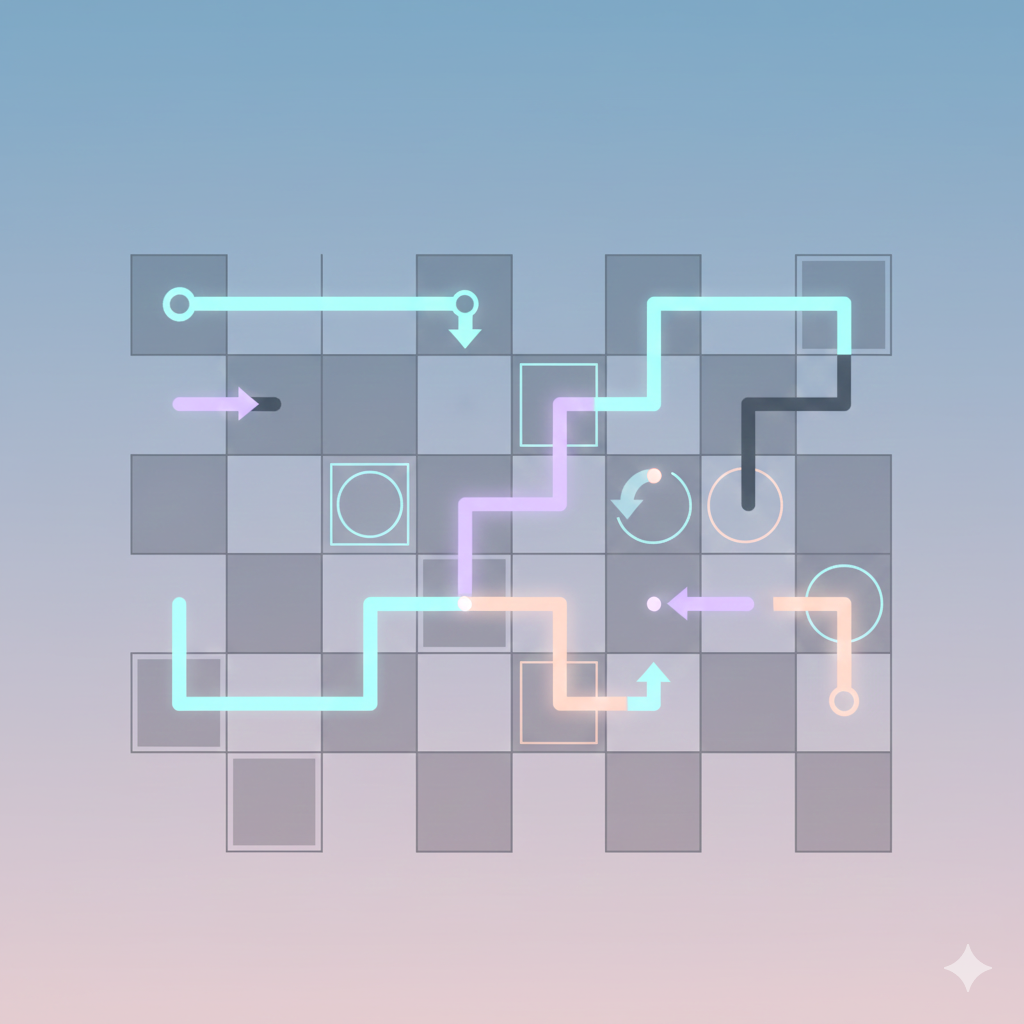
Put your thinking skills to the test with Lite Box, an HTML5 puzzle game that challenges players to solve clever light-based puzzles. Each level invites you to guide light through different paths, using logic and careful planning to reach the solution.
As you move forward, new elements and obstacles are introduced, encouraging creative problem-solving and patience. The minimalist design keeps distractions away, allowing players to focus fully on each puzzle and enjoy a relaxed yet rewarding gameplay experience.
Lite Box is an excellent choice for players who enjoy puzzles that require thinking rather than speed. With its soothing visuals and steadily increasing difficulty, it offers a satisfying challenge that can be played anytime directly in your browser
Advertisement
Game Information
- Mouse/Touchpad: Most HTML5 games use the mouse or touchpad for primary interactions. For example:
- Click: Click to select options, start the game, or perform actions like shooting or jumping.
- Drag and Drop: For games involving dragging elements, hold the left mouse button and move the mouse to drag objects.
- Keyboard: Some games might require keyboard input. Common controls include:
- Arrow Keys (↑, ↓, ←, →): Move your character, navigate menus, or control in-game movement.
- Spacebar: Often used for actions like jumping, shooting, or pausing the game.
- Enter/Return: Start the game or confirm selections.
- Esc: Pause the game or access the game menu.
- Game Objectives:
- Read the game’s objective, usually provided on the start screen or within a tutorial.
- Follow any in-game prompts or tutorials that guide you through the first few levels or actions.